
Portable Wi-Fi and Travel Routers in 2026: Do You Actually Need One?
A pocket Wi-Fi box, a travel router, a phone hotspot, an eSIM or a local SIM — an honest buyer’s guide to what each does, when a device is worth it, and why none of them help where there’s no signal.
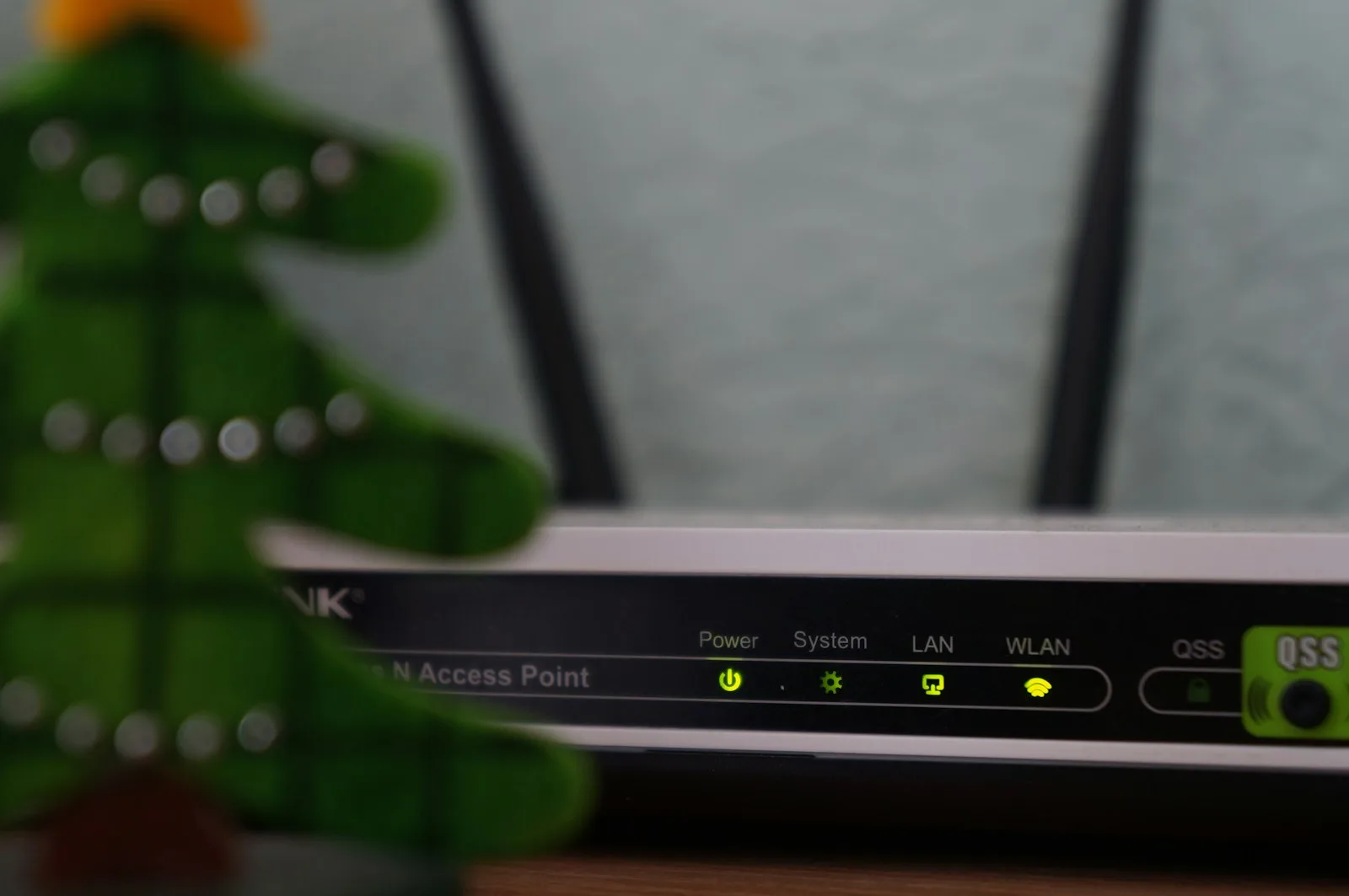
Every trip now comes with the same quiet worry: will my phone actually work when I land? One popular answer is a portable Wi-Fi device — a pocket-sized gadget you rent or buy that puts out its own private wireless network. In 2026 you'll see three overlapping products sold under that banner: a pocket Wi-Fi / MiFi (a battery-powered box with a SIM inside), a travel router (a tiny router that re-shares a hotel or cafe connection as your own secure network), and the plain phone hotspot most of us already carry. The honest question isn't whether these work — they do — but whether you need one when an eSIM or a local SIM often does the same job for less. Here's a buyer's guide with no gadget to sell you.
At a glance
- Pocket Wi-Fi / MiFi is a small battery-powered device with its own SIM and data plan. It pulls in a mobile signal and rebroadcasts it as Wi-Fi to roughly a dozen devices at once.
- A travel router usually has no SIM of its own. It takes an existing connection — hotel Wi-Fi, an ethernet cable, or a tethered phone — and turns it into your own password-protected network so all your gear connects once and stays put.
- A phone hotspot does most of what a pocket Wi-Fi does, using the SIM or eSIM already in your phone. No extra device, no extra rental.
- None of these create a signal. Every one of them still needs a cellular network or an upstream internet connection to share — which matters enormously on a Himalayan trek.
What each device actually does
A MiFi or pocket Wi-Fi is, in plain terms, a dedicated hotspot. You put a SIM (or a built-in eSIM plan) inside it, charge it up, and it connects to the local 4G or 5G network and shares that connection over Wi-Fi. Because it's a separate box, it saves your phone's battery and can keep a laptop, tablet and a partner's phone all online from one plan. The trade-offs are simple: it's another thing to charge, another thing to carry, and if it runs on a rented data plan the per-gigabyte cost is often higher than a local SIM.
A travel router solves a different problem. It doesn't usually carry its own mobile plan. Instead it sits between you and a connection you've already got — the hotel's Wi-Fi, a wired port in the room, or your phone's hotspot — and rebroadcasts it as a single private network. You log all your devices into it once, and from then on switching hotels means updating one password instead of ten. Its real value is security and convenience: your traffic rides on your own encrypted network rather than the hotel's shared one, and features like a built-in VPN client keep prying eyes off open Wi-Fi. (For why that matters, see our piece on public Wi-Fi safety and travel VPNs.)
A phone hotspot — tethering — turns the phone in your pocket into a wireless access point for your other gear. It's built into every modern phone, it's free to switch on, and paired with a cheap local data plan it quietly replaces most of what a rented pocket Wi-Fi promises. The catches are battery drain and, on some plans, carrier limits on how much you can tether.
Pocket Wi-Fi vs eSIM vs local SIM
This is where most travellers overspend. A rented pocket Wi-Fi feels reassuring because someone hands you a working box, but you're often paying a daily rental and a data markup for something your phone can already do. An eSIM or a local SIM puts data directly in the device you're holding; flip on the hotspot and you've built your own pocket Wi-Fi for free. The device only pulls ahead when you genuinely need to keep several gadgets online independently, or want to keep your personal phone number untouched.
| Option | Best for | The catch |
|---|---|---|
| Pocket Wi-Fi / MiFi (own SIM) | Groups and families sharing one plan; keeping several devices online at once | Rental fees plus a data markup; one more thing to charge and not lose |
| Phone hotspot (tethering) | Solo travellers and couples; simplest, cheapest, nothing extra to carry | Drains your phone battery; some plans cap or throttle tethering |
| Travel eSIM | Landing already connected with no shop visit; multi-country trips | Per-GB cost usually above a local SIM; needs an eSIM-capable phone |
| Local prepaid SIM | Longest stays and lowest cost per gigabyte in one country | Buying and swapping SIMs on arrival; your home number goes offline |
Who actually needs a travel router
Buy or rent a device if you tick one of these boxes: you're a family or group who wants one plan to cover everyone's phones and tablets; you're on a work trip with a laptop, a work phone and a personal phone that all need to be online at once; you stay in hotels with clunky, one-device Wi-Fi and want your own secure network (a travel router shines here); or you need to keep your own phone number roaming-free while still having data. If none of those apply, your phone's hotspot plus a cheap local SIM or eSIM will almost always be simpler and cheaper.
The honest Nepal picture
Here's where we tell you the unprofitable truth. On a trek, no pocket Wi-Fi device conjures a signal out of thin air — it still needs a SIM and a cell tower, and above the last villages there simply isn't one. Renting a MiFi box will not get you online at Everest Base Camp or over a high pass any more than your own phone would; coverage on the trail is patchy at best and vanishes on remote routes like Dolpo, upper Manaslu and the far west. What keeps you in touch up high is tea-house Wi-Fi (sold by the hour), the occasional lucky ridge with bars, and a fully charged power bank — not a rented gadget.
Down in Kathmandu and Pokhara, where you'll do your planning and your celebrating, a local prepaid SIM from Ncell or Nepal Telecom — or a travel eSIM — is cheaper and simpler than renting a device, and your phone's built-in hotspot shares it with anyone in your group for free. A travel router earns its place only if your hotel Wi-Fi is flaky and you want one secure network for a laptop and several phones. For most trekkers, the money is better spent on a good power bank and a spare battery than on a pocket Wi-Fi rental.
Planning a trip and want a straight answer for your route rather than a sales pitch? Our team runs these trails every season and knows exactly where the signal dies and where the tea-house Wi-Fi actually works. Browse our Everest and Annapurna treks or message us on WhatsApp, and we'll tell you honestly what connectivity to expect — and what not to bother renting.
Cover photo: Misha Feshchak via Unsplash (Unsplash License).
计划徒步?
我们负责许可证、后勤与向导
NMA 认证的本地向导,价格透明,自 1998 年以来 5,000+ 次徒步。告诉我们你的日期,其余的交给我们。


更多「Gear & Tech」
Gear & Tech
Travel Plug Adapters by Country in 2026: Plug Types, the Two Voltage Worlds, and Why an Adapter Is Not a Converter
A practical reference to the world's plug types (A/B, C/E/F, G, D/M, I), the ~120V vs ~230V split, and the one rule that saves your devices: an adapter reshapes the pins, it does not convert voltage.

Gear & Tech
How to Sleep on a Long-Haul Flight in 2026: Seat, Kit and Timing Tactics That Actually Help
Real, practical tactics for in-flight sleep — pick a window seat, pack a proper neck pillow, eye mask and earplugs, time your rest to the destination, skip the alcohol, and move every couple of hours. Plus the honest limits.
Gear & Tech
How to Avoid Getting Locked Out of Your Accounts Abroad in 2026: 2FA, Authenticator Apps and Backup Codes
The digital lock-outs travellers hit overseas — SMS codes sent to a home number you cannot receive, an authenticator app on a lost phone, a bank that blocks a foreign login, an email recovery loop — and the twenty minutes of setup before you fly that prevents every one.